
Keep your Minecraft builds in 3D
The mod keeps a 3D copy of the spot where you play. Open it in your browser and show it to anyone you want.
Minecraft Java 1.18.2, 1.19.2, 1.20.1, 1.21.1, 1.21.11 · 26.3 experimental · Fabric, Forge, NeoForge · single player and servers · beta
How it works
Install.
Get the mod from the CurseForge app, or drop the .jar into your mods folder.
Play.
Press M → Take a memory. Or go AFK for 5 minutes: the mod takes one for you.
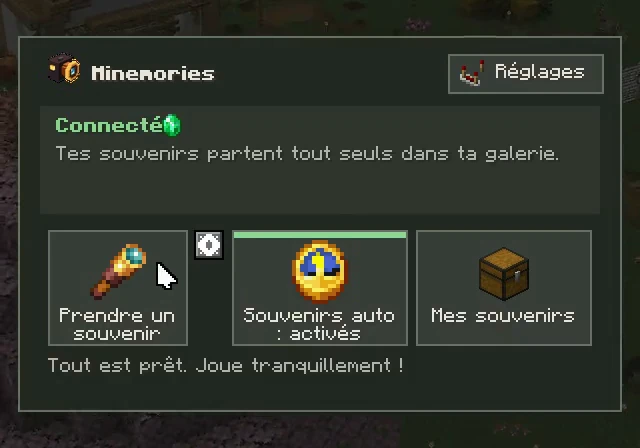
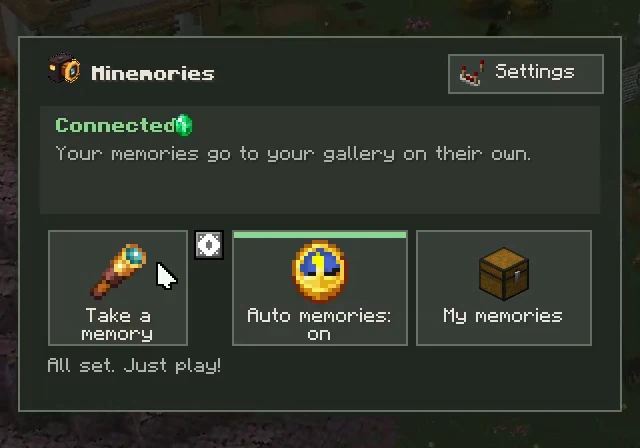
One click and it’s saved.
Revisit.
Connect the game to your gallery with a 6-digit code, then walk around your world in 3D.
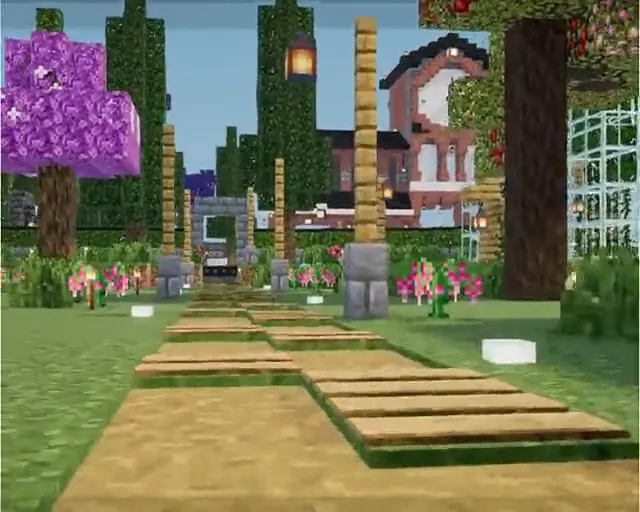
Show your base to your friends
Pick the hour and angle, then save an HD postcard for Discord. Or send a link: your friends walk around your base in 3D, no Minecraft needed.

Pick the hour, from morning to sunset
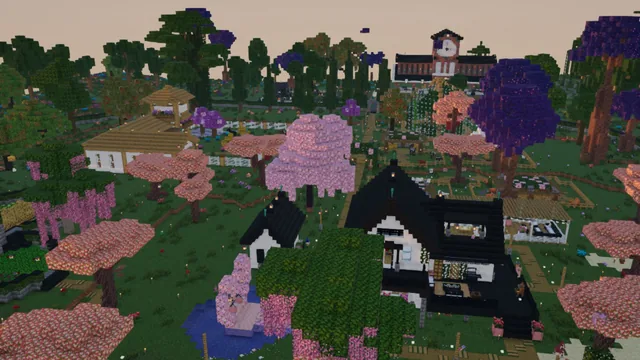
Server shutting down?
Save your base in 3D before the server goes dark. You can still walk around it afterwards.
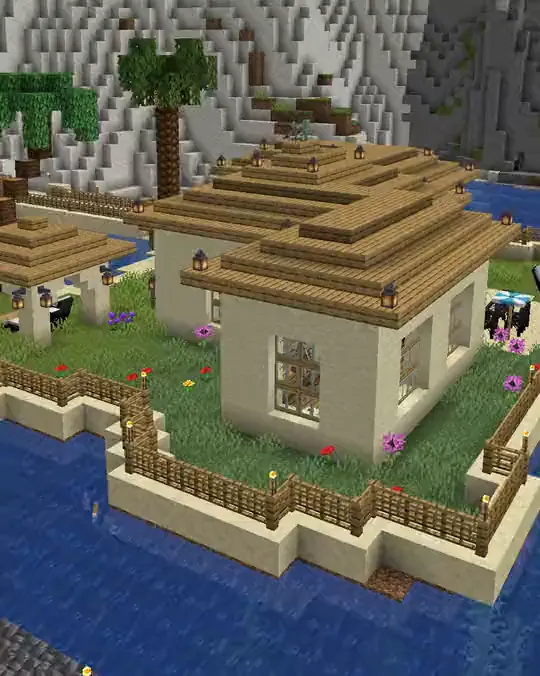
You don’t need to be the server admin.
The capture is saved on your computer. Sending it to our servers is up to you. We don’t use your captures: they’re for you and the friends you show them to ❤️
FAQ
Do I need to install anything on the server?
No, it’s client-side: it only goes on the player’s computer.
Isn’t it just Litematica?
No. Litematica saves the blocks of a build so you can rebuild it block by block, and you open it in Minecraft with the mod. Minemories keeps what your build looks like, textures and lights included, and you walk around it in your browser, without Minecraft. One is for copying a base, the other for revisiting it and showing it off: they go well together.
What if Minemories shuts down?
Your memories also stay on your computer, in the export folder, and every memory in your gallery downloads as a GLB file. You don’t depend on us.
Your browser can’t show the 3D scene, so here’s the story in words.
The film, in words
An evening in Minecraft. Efe joins the game near their chalet, feeds the fire and sits on the bench, their dog at their feet. They stop moving. After five minutes the mod keeps the area and says so in the chat. A spark hangs in the air above the fire: that’s the memory, kept in 3D.
Night falls. Efe stands up, tells their dog to stay, types “stay, I’ll be back soon...”, then goes to “Save and Quit to Title”. They leave and the chat says so. The dog turns toward you, sad, and lies down.
The sun rises on the empty bench, then months and years pass: the house decays, the colours fade. The dog sits in the snow and the ember still glows.
One grey morning the ember brightens and everything comes back, the colours, the fire. The player appears on the bench, the chat says they joined, and the dog jumps up to celebrate.
The memory is kept, dog included. Once the game is connected, you can walk around it in 3D from your private gallery.