Show people around your base, even those who don’t play
In your gallery, open a memory → Share → Create a link → Copy. Paste it on Discord, done.
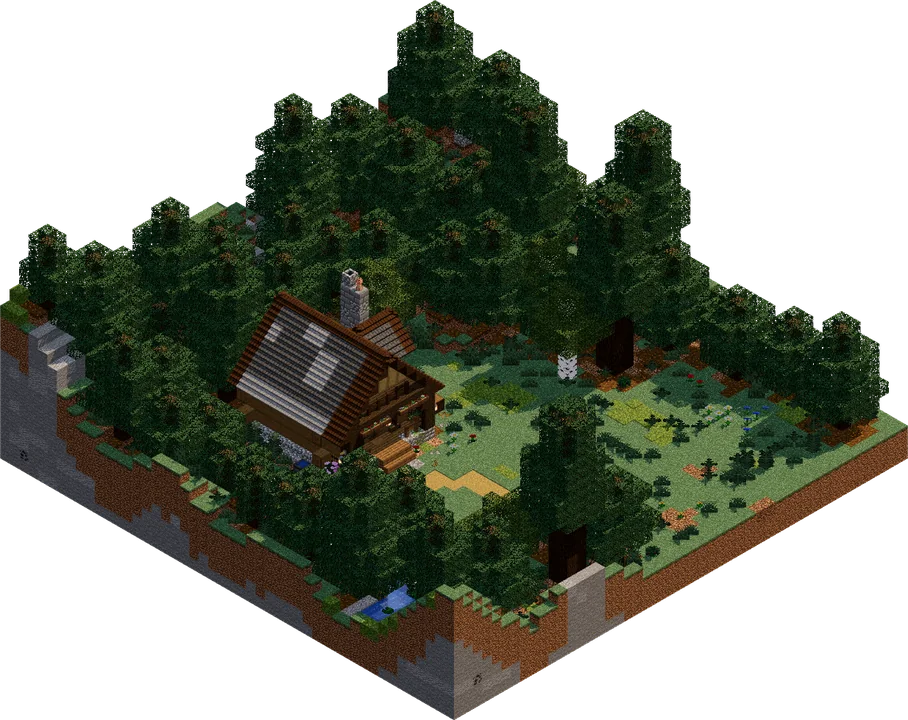
A link to one memory, or to a whole world with its timeline slider.
Prefer a picture? Download the HD postcard and post it on Discord.
What someone with a link sees
Heads-up: the link shows your base’s coordinates, dimension and biome, and the server name or address (or the world name and seed in single player). Think before posting it publicly.
The 3D scene, its name and its date.
Players nearby appear with their skin. Ask them before you share.
Questions
Do I need Minecraft or an account to view a link?
No, a browser is enough.
Can I stop sharing?
Yes, in your gallery: Stop sharing. It blocks new visits, not a copy already made.
How do I publish in the public gallery?
Pick a memory → Publish in the public gallery. We review it before it appears. Public gallery →