From Minecraft world to 3D memory
1. You play
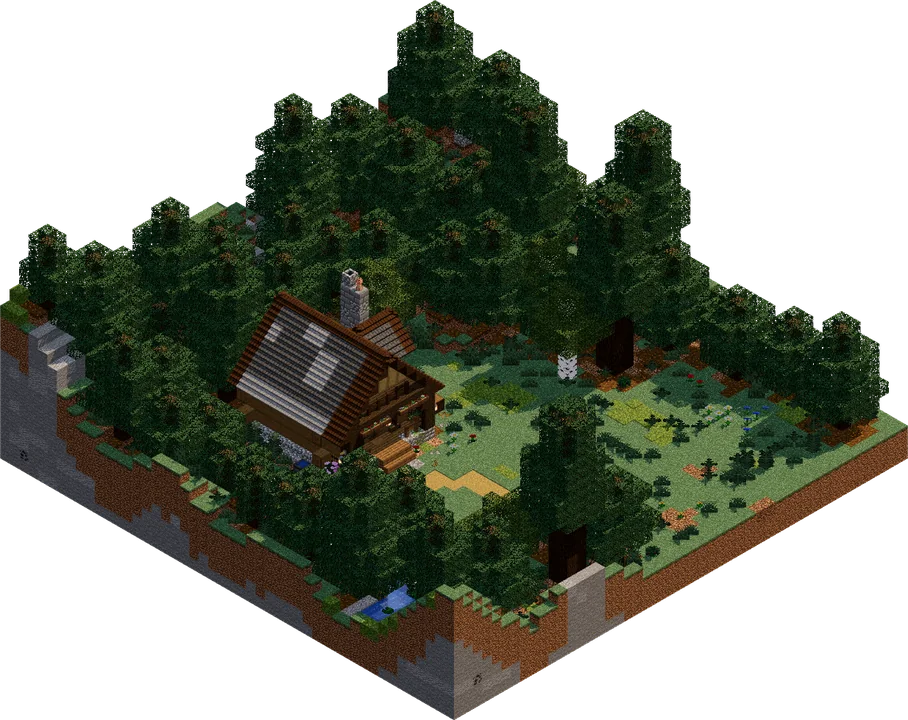
Press M → Take a memory. Or go AFK for 5 minutes, even on the pause screen: the mod takes one by itself (one every 4 hours at most). About 32 blocks around you, adjusted to what you built.
/minemories export 32A large area can slow the game.
2. The file stays with you
Each memory is a GLB file, textures and lights included, in the export folder of your home folder.
exportcapture.glbLatesthistoryEvery dated capture
3. You connect the game, if you want
On the site, create an account and get a 6-digit code. In Minecraft: M → type the code → Connect. Your memories then go to your private gallery.
- Get a code in your gallery
- In Minecraft: M → type the code → Connect
- Your memories go to your gallery on their own
4. You show it, if you want
Download a postcard, or create a link to one memory or to a whole world. You stop sharing whenever you want.
Heads-up: the link shows your base’s coordinates, dimension and biome, and the server name or address (or the world name and seed in single player). Think before posting it publicly.
Questions
Does the mod upload everything on its own?
Nothing is sent until you connect the game. After that, your memories go to your private gallery, with cleaned-up error reports you can turn off in M → Settings → Privacy. Privacy →
Can I turn off auto memories?
Yes: M → Auto memories.